
הבלוג של I LOVE WEB TOOLS
מדריכים פרקטיים לתמונות ו-AI
תשובות ברורות, בדיקות אמיתיות ומדריכים שלב־אחר־שלב לכיווץ, שינוי גודל, המרה ושיפור תמונות אונליין.

מדריך מומלץ
How to Resize a Group of Photos at Once
A quick guide to resizing a group of photos at once, choosing consistent dimensions, keeping aspect ratio, and avoiding blurry or stretched images.
לקריאת המדריך →לומדים ועושים
המדריכים האחרונים

What Favicon Size Should I Use? The Exact Favicon Size for Your Website
Not sure what favicon size to use? Here’s the short answer, why the icon must be square, and why 512×512 is the best…
קריאת המדריך →
Why Is My Favicon Showing in the Browser Tab but Not on Google Search?
Your favicon works in the browser tab but Google still shows a generic or old icon? Here’s what to check, how to set…
קריאת המדריך →
multiple images to one pdf
Learn how to multiple images to one pdf, reorder the images, keep quality under control, and create one PDF with a fast free…
קריאת המדריך →
how to put multiple jpegs into one pdf
Learn how to how to put multiple jpegs into one pdf, reorder the images, keep quality under control, and create one PDF with…
קריאת המדריך →how to combine pictures into one pdf
Learn how to how to combine pictures into one pdf, reorder the images, keep quality under control, and create one PDF with a…
קריאת המדריך →
combine multiple images into pdf
Learn how to combine multiple images into pdf, reorder the images, keep quality under control, and create one PDF with a fast free…
קריאת המדריך →
How to Make a PDF With Images and Text for a Simple Portfolio or Presentation
Create a lightweight visual PDF with image pages, text cards and titles without using a full presentation app.
קריאת המדריך →How to Put Several Small Photos on One Printable PDF Page
Arrange several small photos on one PDF page for efficient printing instead of wasting a full sheet on every image.
קריאת המדריך →How to Turn Hundreds of JPGs Into One Organized PDF
A practical way to organize very large batches of JPG images into one PDF without losing the page order.
קריאת המדריך →
How to Prepare ID, Passport and Supporting Documents as PDF for Online Applications
Turn photos and scans of passports, IDs and supporting documents into organized PDFs that are easier to upload and review.
קריאת המדריך →
How to Create a PDF Portfolio for Job Applications
Build a clean visual PDF portfolio with project images, short text, consistent layouts and a file size recruiters can actually open.
קריאת המדריך →
How to Combine Restaurant Receipts Into One PDF Page
Keep itemized and payment receipts together on the same PDF page so expenses are easier to review and file.
קריאת המדריך →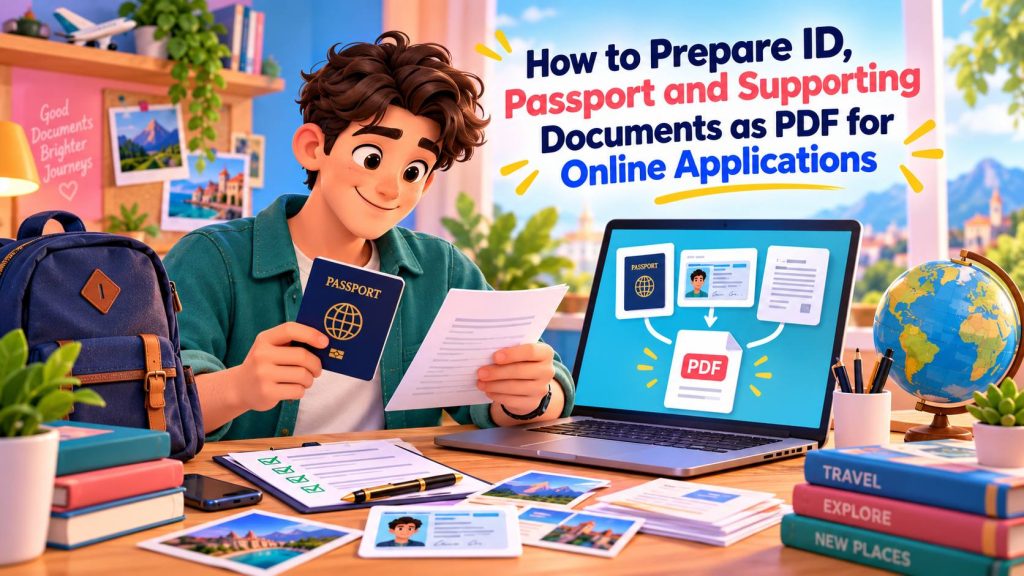
How to Put the Front and Back of an ID on One PDF Page
Put both sides of an ID, license or card on one clean PDF page without sending the images to a server.
קריאת המדריך →
How to Combine Scanned Documents Into One Submission File
Combine scans from different pages and documents into one clear submission PDF with the right order, rotation and labels.
קריאת המדריך →
How to Create a PDF of Receipts for Your Accountant
Organize a month or year of receipt photos into a clear PDF your accountant can review without digging through a camera roll.
קריאת המדריך →
How to Fit Multiple Product Photos on One PDF Page
Create compact product sheets with several images on one PDF page, useful for catalogs, quotes, approvals and client reviews.
קריאת המדריך →
WebP vs JPG: Which Is Better for Websites?
WebP is flexible and modern, JPG is universally familiar. The real answer depends on the source file, quality setting and browser workflow.
קריאת המדריך →
JPG vs PNG vs WebP vs AVIF: A Practical Image Format Guide
A no-hype guide to the four image formats you are most likely to choose for websites, with transparency, compression and compatibility explained.
קריאת המדריך →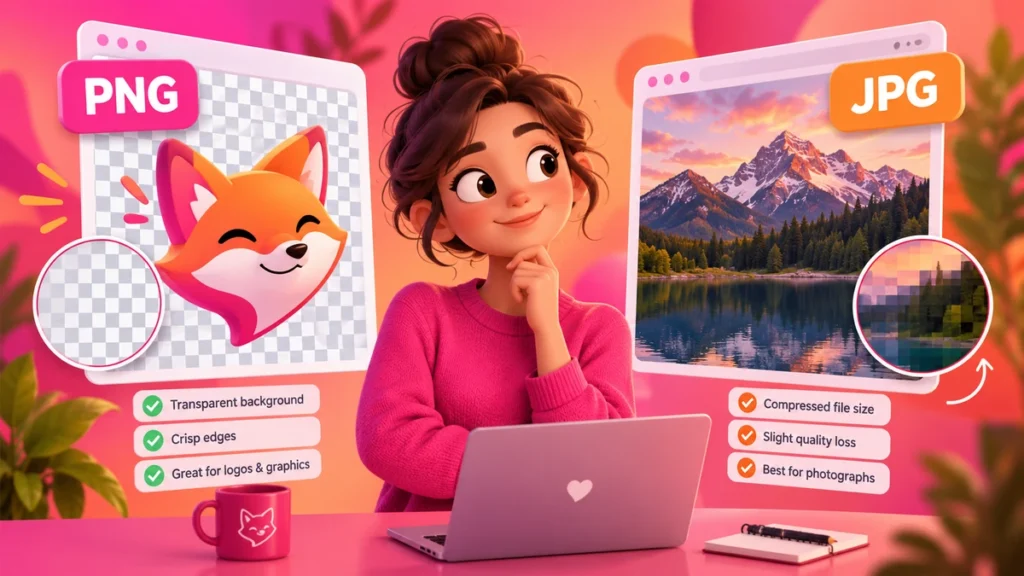
PNG vs JPG: Which Image Format Should You Use?
Use JPG for most photographs and PNG when transparency or exact pixel reproduction matters. The wrong choice can make files dramatically larger.
קריאת המדריך →
PNG to JPG: What Happens to a Transparent Background?
JPEG cannot store transparency. Transparent PNG pixels must be replaced with a solid background during conversion.
קריאת המדריך →
Does Converting JPG to PNG Improve Image Quality?
No. PNG can prevent another lossy JPEG encode, but it cannot restore detail that was already discarded from the JPG.
קריאת המדריך →
Favicon Sizes Explained: 16px to 512px
What favicon sizes are actually used, why Google recommends a square icon larger than 48×48, and what a complete favicon package should contain.
קריאת המדריך →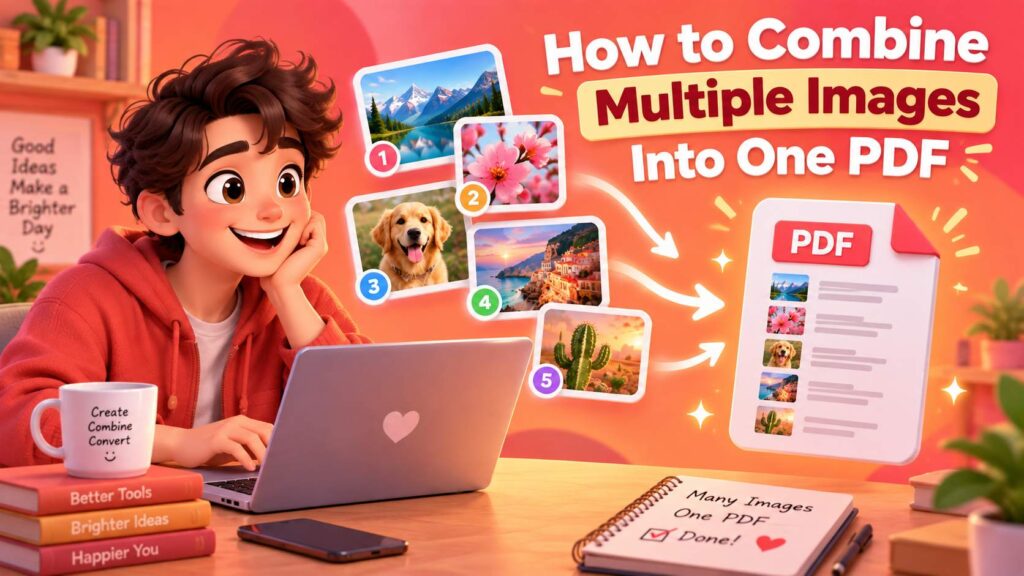
How to Combine Multiple Images Into One PDF
Turn JPG, PNG and other images into a single PDF in the order you choose, with practical page-size and scan-quality tips.
קריאת המדריך →
Crop vs Resize: What’s the Difference?
Cropping removes part of the image; resizing changes pixel dimensions. Learn which one to use for squares, thumbnails, social posts and website images.
קריאת המדריך →
How to Convert iPhone HEIC Photos to JPG
Convert HEIC when an upload, client or app needs JPG—while keeping the original HEIC as your master copy.
קריאת המדריך →
Does WebP Preserve Transparency?
Yes. WebP supports alpha transparency in both practical web workflows and browser decoding. We verified it with a controlled 400,000-pixel test image.
קריאת המדריך →
HEIC vs JPG: What’s the Difference and Which Should You Use?
HEIC saves storage efficiently on modern Apple devices; JPG wins when broad compatibility matters. Here is when to keep each format.
קריאת המדריך →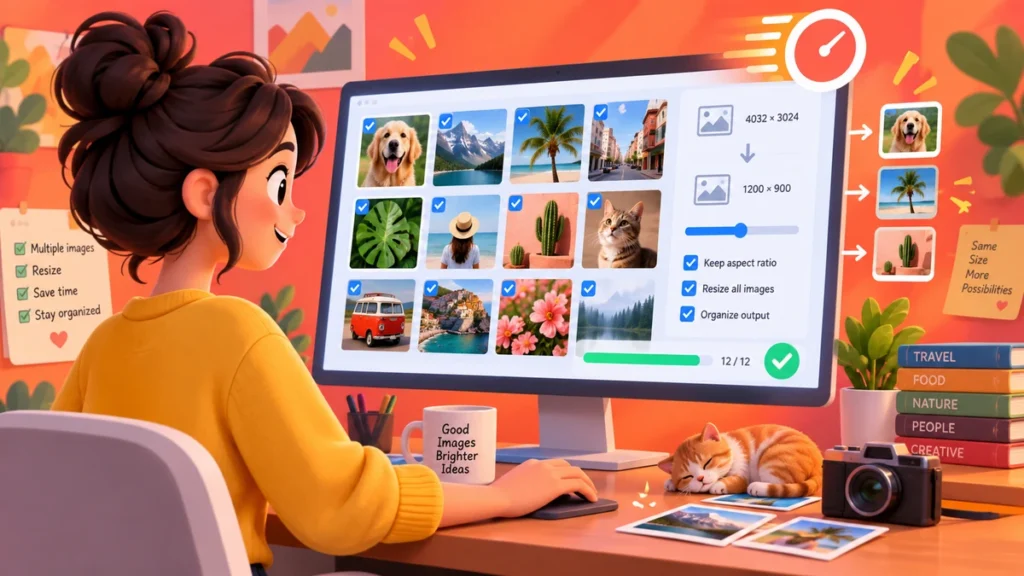
How to Resize Multiple Images at Once
Batch-resize a folder with one width or height rule while preserving each photo’s own proportions.
קריאת המדריך →
How to Resize an Image Without Stretching or Distortion
Keep the original proportions while changing image dimensions, and understand exactly when cropping is required instead.
קריאת המדריך →קוראים פחות. עושים יותר.
כל מדריך מקשר ישירות לכלי חינמי בדפדפן כדי שתוכלו לבצע מיד את מה שלמדתם.