
AI can make a low-resolution or mildly blurred image look clearer by denoising, sharpening edges and predicting higher-resolution detail. What it cannot do is prove what missing detail originally looked like. That distinction matters most for faces, text and severely out-of-focus photos.
First, define what “better quality” means
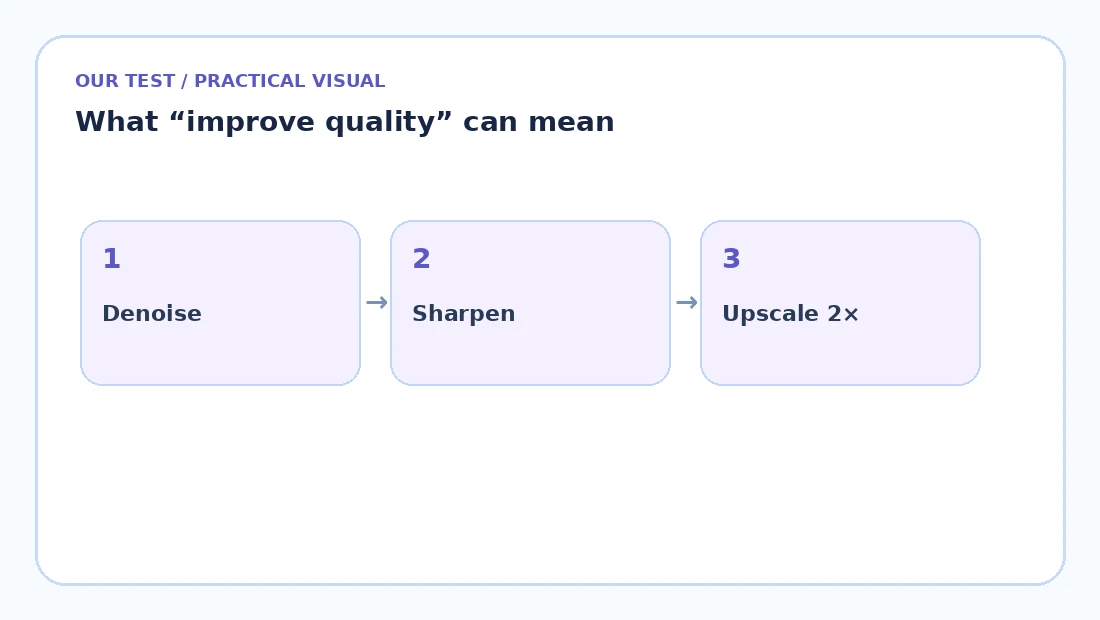
A small image may need super-resolution. A noisy night photo may need denoising. A slightly soft image may need sharpening. A heavily compressed JPEG may need artifact reduction. Applying all of those aggressively at once can create crunchy edges, plastic skin or invented texture.
AI upscaling is not the same as normal resizing
A conventional resizer calculates new pixels from existing ones. AI super-resolution uses a learned model to predict plausible high-resolution structure. That can create a more detailed-looking result, but it also means some fine detail is inferred rather than recovered from the original file.
If exact identity, small text or evidence matters, treat AI-enhanced detail as a visual reconstruction—not as a factual recovery of the original scene.
A safe enhancement workflow
- Keep the original file.
- Start with a conservative 2× enhancement.
- Compare eyes, hair, text and high-contrast edges.
- If the result looks overprocessed, use a simpler sharpen/denoise operation instead.
- Export only after checking the full image, not just the center.
Images that usually benefit most
- Small web images that need to be displayed slightly larger.
- Older JPEGs with mild compression artifacts.
- Phone photos with visible noise.
- Illustrations and product images with clear edges.
Images that are completely out of focus, motion-blurred across many pixels, or missing facial detail are harder. An AI model can produce something attractive, but attractive is not the same as historically accurate.
When you need more than enhancement
Sometimes quality is only one part of the task. You may also need to remove the background, clean up an object, blur a portrait background or prepare a product shot. In that case, it is more efficient to keep the same source image open and apply the changes in one editor.
Before you trust an AI-edited result
- Compare the result with the original, not with your memory of it.
- Zoom in on faces, text, logos, jewelry and repeating patterns.
- Look for invented edges, waxy skin, doubled lines or warped letters.
- Keep the original file and treat the AI output as a new derivative.
AI is most valuable when it removes friction from an obvious task. It is less trustworthy when the missing information itself is important. For visual cleanup, that trade-off can be excellent; for evidence or archival restoration, it needs more caution.
Frequently asked questions
Can AI make any blurry photo clear?
No. Mild blur and low resolution can often be improved, but severe missing detail cannot be reliably reconstructed.
Does upscaling increase real resolution?
It increases pixel dimensions and can create plausible detail. It does not recreate a perfect record of information that was never captured.
Should I use 2× or 4× upscaling?
Start with 2×. It is faster, lighter on memory and less likely to over-process detail.
Can AI enhancement change a face?
Yes, especially with aggressive face-restoration models. Always compare the result with the original.
Bottom line
Use AI enhancement when the image needs a modest visual rescue, not when you need forensic certainty. A conservative 2× pass plus a careful before/after check is usually a better starting point than maximum sharpening or extreme 4× enlargement.



Questions or something we missed?
Share a question or useful detail. Comments appear after approval.
Be the first to start the conversation.